Prompt Library

ChatGPT Prompts for Pictures of Yourself

By AI Trend Prompt Hub Editorial Team · Updated 2026-06-08 · 20 copy-ready prompts · 6 FAQs

Use these ChatGPT prompts for pictures of yourself when you want a profile photo, social portrait, travel-style image, professional headshot, outfit edit, or personal brand visual. Use your own photos or photos you have permission to edit, and avoid prompts that imitate private people, celebrities, or protected brands.

Long-tail selfie and profile query20 safe prompt ideasProfile, travel, outfit, and brand usesBuilt around identity consistency

What is ChatGPT Prompts for Pictures of Yourself?

A useful ChatGPT prompt for pictures of yourself should say what photo you are uploading, what must stay consistent, what visual style you want, and what should change. For safer results, keep identity and realism constraints explicit and avoid asking for fake official, celebrity, or misleading images.

Prompt Library

Copy a prompt, replace the placeholders, and run quick variations.

20 prompts

Prompt 1

Using my uploaded photo as the identity reference, create a natural professional profile picture. Keep my face structure, expression, and hair recognizable, improve lighting, use a clean background, and make it look like a real camera photo.

Prompt 2

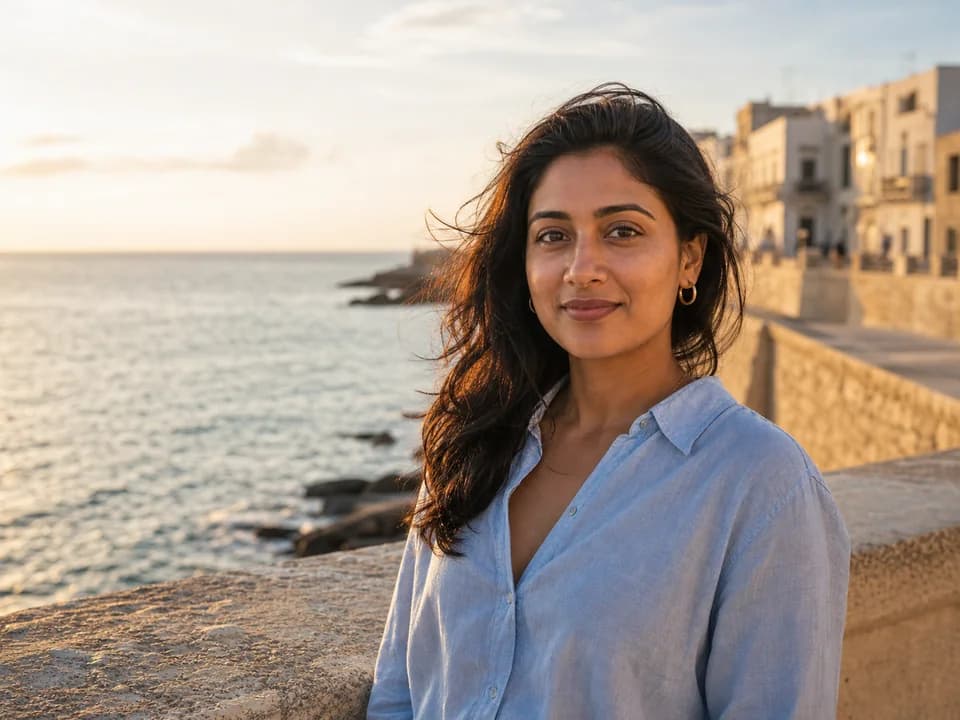
Turn my photo into a casual outdoor portrait in [location]. Keep my identity and body proportions consistent, add natural daylight, realistic background depth, and a relaxed travel-photo mood.

Prompt 3

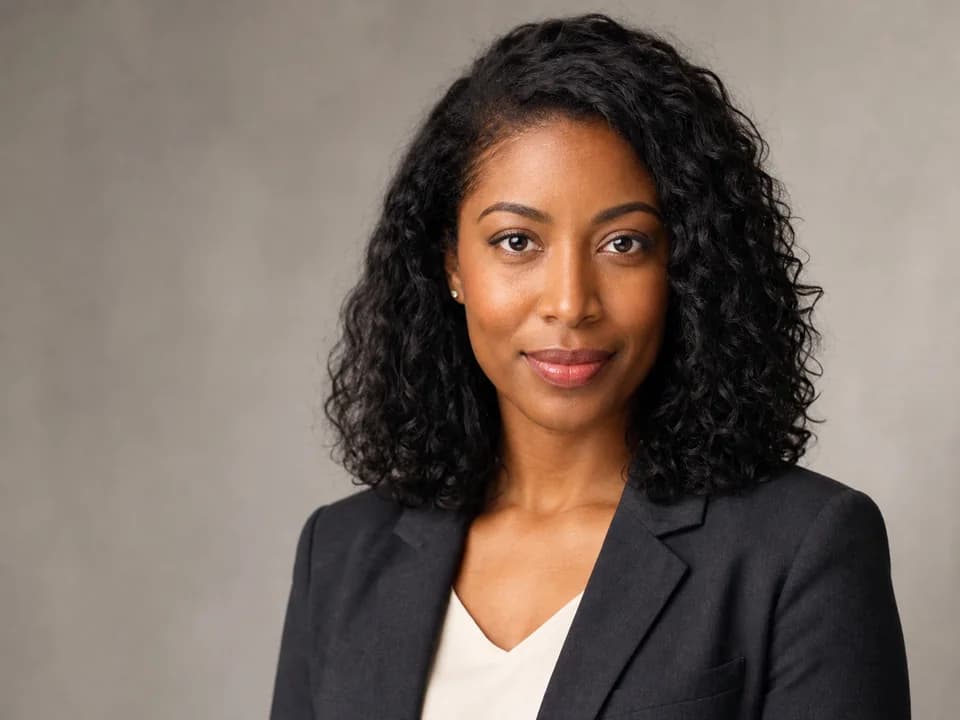
Create a LinkedIn-ready headshot from my photo. Keep my face accurate, use a business-casual outfit, soft studio lighting, neutral background, and realistic skin texture.

Prompt 4

Edit only my outfit to [outfit]. Do not change my face, pose, hands, body shape, camera angle, or background lighting. Make the clothing texture and shadows realistic.

Prompt 5

Create a cinematic portrait of me in [setting]. Keep my identity consistent, add film-style lighting, subtle color grading, and a natural camera perspective.

Prompt 6

Make a clean personal brand photo of me working on [activity]. Keep my face realistic, add a tidy workspace, natural desk details, and a confident creator mood.

Prompt 7

Create a 4:5 Instagram portrait of me with [visual style]. Keep the image realistic, use strong mobile composition, and avoid over-smoothing my face.

Prompt 8

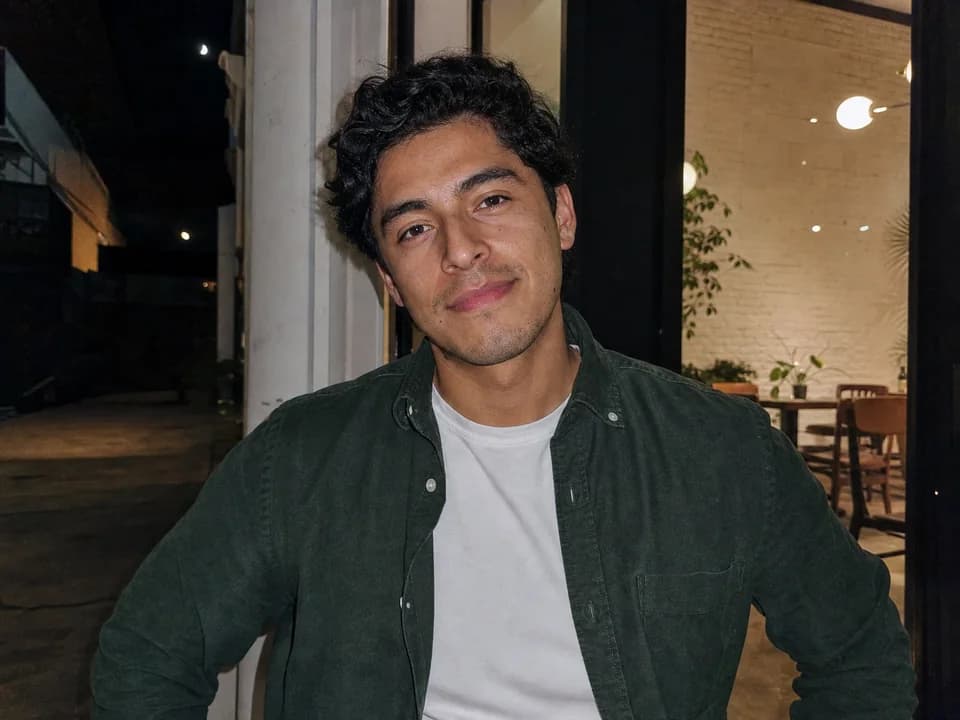
Turn my photo into a candid iPhone flash picture at [event]. Preserve my identity, add direct flash, slight motion blur, realistic shadows, and casual night snapshot energy.

Prompt 9

Create a simple profile picture of me on a plain [color] background. Keep my face natural, crop at head and shoulders, and use flattering but realistic light.

Prompt 10

Generate a travel postcard-style photo of me in [destination]. Keep my identity accurate, use believable tourist framing, natural weather, and authentic camera imperfections.

Prompt 11

Create a polished founder portrait of me in a modern office. Keep my face realistic, use clean business lighting, subtle background depth, and a trustworthy expression.

Prompt 12

Make a fitness or wellness portrait of me in [setting]. Keep body proportions realistic, use natural light, practical clothing, and a health-focused editorial style.

Prompt 13

Create a personal brand board using my photo. Include one portrait, color palette swatches, a workspace scene, and small objects that represent [niche or profession].

Prompt 14

Edit my photo into a clean dating-profile style image. Keep it realistic, friendly, natural, and not overly retouched. Use soft outdoor light and an uncluttered background.

Prompt 15

Create a before-and-after image of me: original casual photo on the left, polished professional photo on the right. Keep identity and pose consistent.

Prompt 16

Make a magazine-style portrait of me. Leave space for text, use premium lighting, clean background, and realistic facial detail.

Prompt 17

Create three versions of my profile photo: professional, casual, and cinematic. Keep my identity the same and change only outfit, lighting, and background style.

Prompt 18

Turn my selfie into a high-quality creator avatar photo. Keep my real facial features, add a clean background, subtle depth of field, and a confident social profile mood.

Prompt 19

Improve this picture of me without changing identity. Fix exposure, reduce noise, clean minor background clutter, and keep the photo natural.

Prompt 20

Create a safe social media portrait of me for [platform]. Keep identity accurate, avoid fake logos or misleading official settings, and use a clear, realistic visual style.
Prompt Builder

Build a usable prompt faster

Fill in the core details, copy the result, then refine one variable at a time inside your image model.

Generated prompt

Create a ChatGPT Prompts for Pictures of Yourself image of a real person. Style: realistic studio photo. Format: 1:1 square. Include natural lighting, clear focal point, realistic texture. Keep the composition clean, avoid distorted hands or unreadable text, and make the result ready for a social media post.

Prompt Quality Checklist

Use this checklist before you rerun a prompt. It keeps the output focused and makes it easier to improve one variable at a time.

One clear subject
Specific setting or background
Lighting and camera direction
Output format or aspect ratio
What should stay consistent
What to avoid or edit later

Best Use Cases

Profile pictures and headshots
Personal brand assets
Outfit and background variations
Travel-style social photos
Creator avatars and thumbnails
Photo cleanup before posting

How to Use

  1. 1Upload only photos you own or have permission to edit.
  2. 2Tell ChatGPT what must stay consistent before asking for the new style.
  3. 3Pick one outcome: profile photo, outfit edit, travel photo, brand image, or cleanup.
  4. 4Review the output for face accuracy, hands, body proportions, and background artifacts.
  5. 5Do not use the result to impersonate another person or create misleading official images.

Examples

LinkedIn-ready photo
Travel portrait
Outfit-only edit
Personal brand board

Best Settings

  • Use one uploaded reference photo with a clear face when identity matters.
  • Use 4:5 for social portraits and 1:1 for profile avatars.
  • Say keep the same face, pose, and body proportions when editing.
  • Use natural camera terms instead of asking for a generic perfect image.

Common Mistakes

  • Asking ChatGPT to make you look like a celebrity or private person.
  • Not saying what should stay unchanged in an uploaded photo.
  • Overloading one prompt with outfit, background, pose, mood, and age changes at once.
  • Using generated images in a way that misleads people about identity or credentials.

FAQ

Can ChatGPT make pictures of myself?+

ChatGPT can help create or edit images based on your prompt and, where supported, an uploaded reference photo. You should use photos you own or have permission to edit.

How do I keep my face consistent in ChatGPT image prompts?+

Tell ChatGPT to preserve your face structure, expression, hair, pose, body proportions, camera angle, and lighting before describing the desired change.

What should I avoid when making pictures of myself?+

Avoid impersonating another person, copying celebrity likenesses, adding fake official credentials, or creating images that mislead people about real events.

Can I use these prompts for LinkedIn photos?+

Yes. Use a prompt that asks for a realistic headshot, business-casual outfit, clean background, soft studio lighting, and natural facial detail.

Why does the result not look like me?+

The prompt may not include enough identity constraints, or the source photo may be unclear. Use a high-quality reference image and say exactly what must stay unchanged.

Can I use these prompts without uploading a photo?+

You can use them as fictional portrait prompts, but if you want the image to look like you, a clear reference photo usually gives better consistency.

Get daily pictures of yourself prompt ideas

Get more self-photo prompt ideas every day

Open the prompt feed for daily viral AI image ideas, Chinese notes, and ready-to-use prompt updates.