Prompt Library

AI Dress Change Prompt

By AI Trend Prompt Hub Editorial Team · Updated 2026-06-20 · 20 copy-ready prompts · 6 FAQs

Use these AI dress change prompts when you want to replace clothing in a photo while keeping the same person, face, pose, background, camera angle, and lighting. This page focuses on practical outfit swap searches: dress swap prompt, prompt dress change, shirt change prompt, clothes swap prompt, and change outfit prompt. Copy a prompt, replace the bracketed clothing details, and keep the preservation rules strict so the edit changes only the clothes.

Copy same-face dress change prompts for photo edits.Use outfit swap, shirt change, and clothes swap variations.Keep identity, pose, lighting, and background unchanged.

What is AI Dress Change Prompt?

An AI dress change prompt tells an AI image editor to change a person's clothing while preserving identity, face, body shape, pose, background, lighting, and camera angle. A strong prompt separates what should change from what must stay the same. Example: replace only the outfit with [new dress or outfit]. Keep the face exactly unchanged, preserve pose, hands, hair, body proportions, background, lighting, and image quality. Do not change identity or reshape the body. Make the new clothing fit naturally with realistic folds, fabric texture, seams, and shadows.

Prompt Library

Copy a prompt, replace the placeholders, and run quick variations.

20 prompts

Prompt 1

Replace only the outfit in this photo with [new dress or outfit]. Keep the face exactly unchanged, preserve the same pose, body shape, hands, hair, background, lighting, camera angle, and photo quality. Make the new clothing fit naturally with realistic folds, seams, and shadows.

Prompt 2

Change the current clothes to [specific outfit]. Do not change identity, face, skin tone, expression, body proportions, background, camera angle, or lighting. Only the clothing should change.

Prompt 3

Create a realistic dress swap edit: replace [old outfit] with [new dress style], natural fabric texture, accurate waist fit, believable sleeve and hem edges, same face, same pose, same environment.

Prompt 4

Change only the shirt to [shirt type and color]. Keep pants, shoes, face, hairstyle, hands, pose, background, lighting, and camera perspective unchanged.

Prompt 5

Replace the top and jacket with [new top] and [jacket]. Keep the original lower body, face, pose, room, lighting, and image quality untouched.

Prompt 6

Create a fashion try-on photo of [subject] wearing [outfit]. Preserve identity and body shape. Make the garment look physically worn, with natural wrinkles, fabric thickness, collar shape, and realistic shadows.

Prompt 7

Turn the outfit into a formal evening look: [dress or suit details], polished shoes, subtle accessories, realistic fabric sheen. Keep face, expression, pose, and background exactly the same.

Prompt 8

Create a casual streetwear outfit swap with [hoodie], [pants], and [shoes]. Maintain the original person, pose, lighting, location, and camera angle. Do not alter face or body shape.

Prompt 9

Change the clothing into business casual: navy blazer, white shirt, tailored pants, clean neckline, realistic lapels, same face, same expression, same background, natural studio lighting.

Prompt 10

Replace the outfit with a summer dress: [color], [fabric], [length], natural folds, realistic shoulder and waist fit. Keep hair, face, hands, pose, background, and photo quality unchanged.

Prompt 11

Create a before-and-after outfit comparison: left side original photo, right side [new outfit]. Use the same person, same pose, same camera distance, same lighting, and clean realistic clothing fit.

Prompt 12

Change [subject] into a wedding guest outfit: [dress or suit], elegant accessories, natural fabric drape, realistic shadows, same identity and background.

Prompt 13

Replace only the outerwear with [coat or jacket]. Keep shirt, pants, face, hair, hands, background reflections, lighting, and camera angle unchanged.

Prompt 14

Create an e-commerce style clothes swap: [subject] wears [garment]. Use clean full-body framing, realistic garment thickness, accurate sleeve length, and no face or body changes.

Prompt 15

Change the outfit to gym activewear: [top], [shorts or leggings], [shoes]. Keep muscles, body proportions, face, pose, and background unchanged.

Prompt 16

Apply a minimalist monochrome outfit: [top], [bottom], [shoes], clean silhouette, realistic cloth texture, same face, same pose, same room lighting.

Prompt 17

Replace the current outfit with [traditional or cultural outfit] in a respectful, accurate style. Preserve identity, face, pose, camera, and background. Make fabric details realistic.

Prompt 18

Create a creator-style outfit edit for social media: [outfit], flattering but realistic fit, clean color palette, same face, same expression, same environment, no identity changes.

Prompt 19

Change only the dress color to [color]. Keep the dress shape, face, pose, body, background, lighting, and camera perspective unchanged. Preserve realistic fabric shadows.

Prompt 20

Make a high-fashion editorial outfit swap with [outfit details], polished magazine styling, natural garment edges around hair and hands, and no changes to identity, pose, or background.
Prompt Builder

Build a usable prompt faster

Fill in the core details, copy the result, then refine one variable at a time inside your image model.

Generated prompt

Create a AI Dress Change Prompt image of a real person. Style: realistic studio photo. Format: 1:1 square. Include natural lighting, clear focal point, realistic texture. Keep the composition clean, avoid distorted hands or unreadable text, and make the result ready for a social media post.

Prompt Quality Checklist

Use this checklist before you rerun a prompt. It keeps the output focused and makes it easier to improve one variable at a time.

One clear subject
Specific setting or background
Lighting and camera direction
Output format or aspect ratio
What should stay consistent
What to avoid or edit later

Best Use Cases

Dress swap edits for portraits and social photos.
Shirt change prompts for LinkedIn and profile pictures.
Fashion try-on concepts for creators and small shops.
Before-after outfit change examples for short content.
Same-face clothes edits when identity preservation matters.

How to Use

  1. 1Choose the prompt that matches the clothing edit you want: full outfit, dress, shirt, jacket, or color-only change.
  2. 2Replace bracketed details with exact garment type, color, fit, fabric, and style.
  3. 3Keep the preservation sentence in the prompt. It tells the model what must not change.
  4. 4If the face changes, regenerate with stricter wording such as same face, same identity, no body reshape.
  5. 5For better results, change one clothing variable at a time instead of asking for a full redesign.

Examples

Same-face dress change examples example for AI Dress Change Prompt

Same-face dress change examples

Example prompt layout

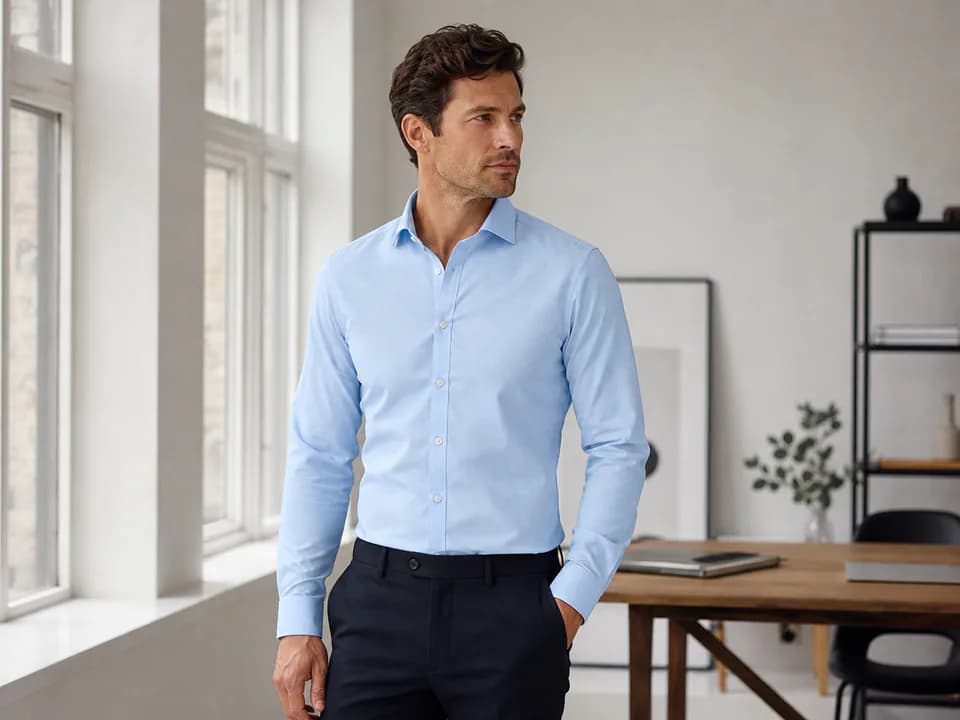
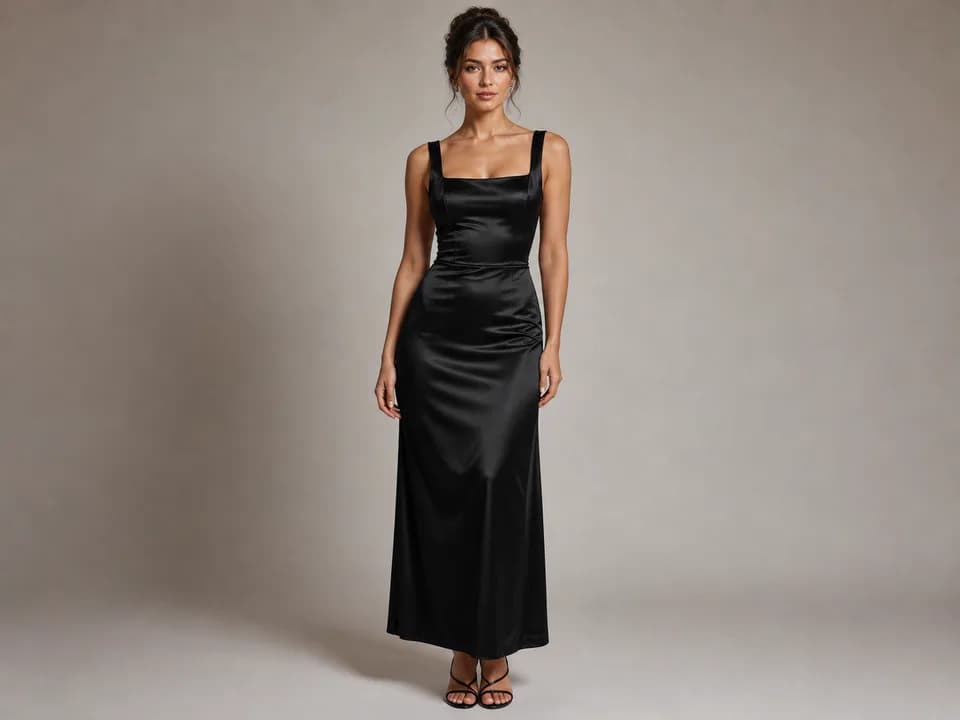
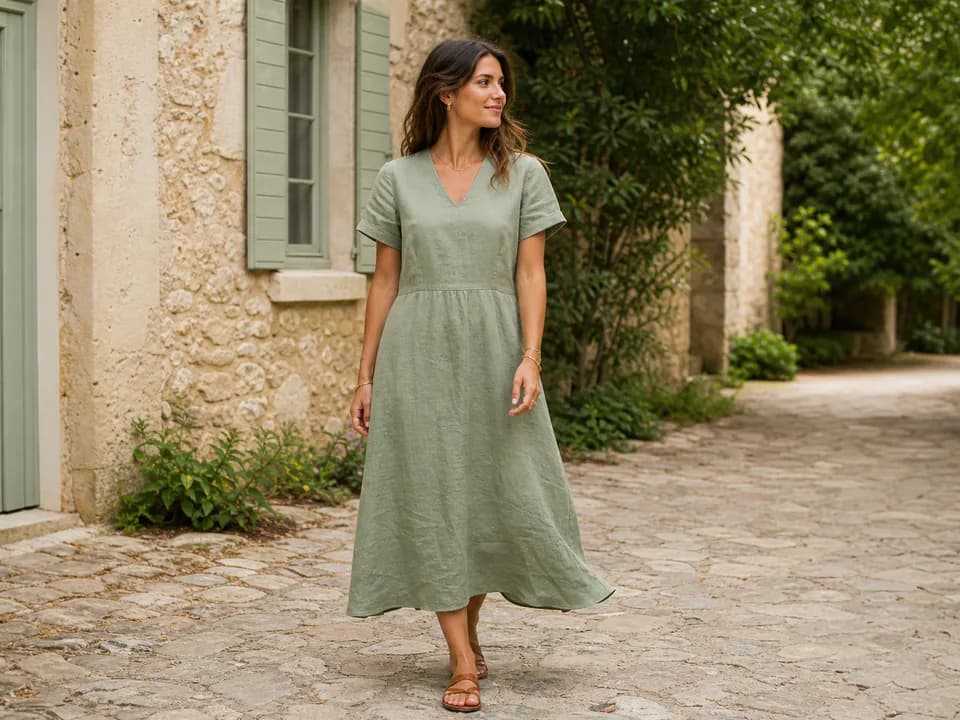
Shows the three most common dress change uses: formal dress, shirt change, and before-after outfit swap.

Prompt used: Replace only the outfit with a black satin evening dress. Keep the face, pose, hands, body shape, lighting, background, and camera angle exactly unchanged.

Best Settings

  • Use a clear reference image where the full outfit is visible and the pose is not too complex.
  • Describe fabric, fit, color, and garment edges instead of only naming a style.
  • Ask for realistic folds, seams, sleeve length, waist fit, and shadows to avoid pasted-on clothing.
  • Keep identity preservation language in every prompt when editing a real person photo.

Common Mistakes

  • Asking for a complete makeover when you only need a clothing change.
  • Forgetting to protect face, hands, body shape, background, and lighting.
  • Using vague clothing words like nice outfit instead of exact garment details.
  • Changing too many items at once before testing a simple shirt or dress swap.

FAQ

What is an AI dress change prompt?+

An AI dress change prompt is a text instruction that asks an AI image editor to replace clothing while keeping the same person, face, pose, background, lighting, and camera angle.

What is the best prompt for changing clothes without changing the face?+

Use a prompt that says: replace only the outfit with [new clothing], keep the face exactly unchanged, preserve pose, hands, hair, body proportions, background, lighting, and photo quality, and do not change identity.

Can I use these prompts for shirt change edits?+

Yes. Use the shirt-specific prompts and describe the shirt type, fabric, color, neckline, sleeve length, and fit while telling the model to keep everything else unchanged.

Why does the AI change the face during an outfit swap?+

Many image models redraw the whole person unless the prompt clearly separates what changes from what stays fixed. Add same face, same identity, same pose, no body reshape, and change only the clothes.

What details should I add to a dress swap prompt?+

Add garment type, color, fabric, length, fit, neckline, sleeves, accessories, realism level, and preservation rules for face, body, lighting, background, and camera angle.

Do these prompts work in ChatGPT or Gemini?+

They are written for modern AI image editors and can be adapted for ChatGPT image editing, Gemini image prompts, and other image tools that accept reference photos and text instructions.

Get daily outfit prompt ideas

Get more AI dress change prompts every day

Open the prompt feed for daily viral AI image ideas, Chinese notes, and ready-to-use prompt updates.