Use this as an outfit swap prompt: change only the outfit of [subject] to a [outfit type] in [color/material]. Keep the same face, pose, body shape, background, lighting, and camera angle. Make the clothing fit naturally with realistic folds, seams, and shadows.
Use this as a change outfit prompt: replace the current clothes with [new outfit], but do not change face, hair, body proportions, pose, room, lighting, camera angle, or image quality. Match fabric shadows and folds to the original photo.
Create a realistic fashion try-on image of [subject] wearing [specific outfit]. Preserve identity, hair, skin tone, hands, and posture. Add accurate fabric texture, natural waist fit, and consistent studio lighting.
Replace [subject] outfit with a clean business casual look: [top], [bottom], [shoes]. Keep the original background and facial expression. Make the outfit look photographed, not pasted on.
Generate an e-commerce style outfit edit for [subject] wearing [brand-neutral clothing description]. Use natural wrinkles, correct sleeve length, realistic collar shape, and matching shadows under the arms.
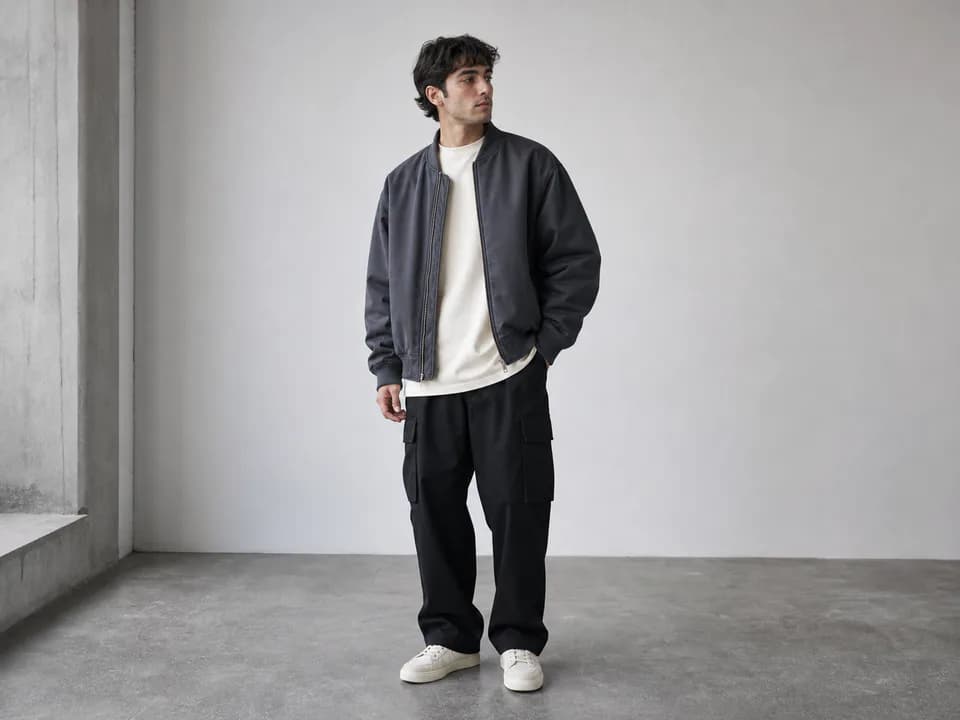
Transform [subject] into a streetwear outfit with oversized [jacket], [pants], and [sneakers]. Keep the same pose and environment. Add realistic fabric weight and urban fashion styling.
Change [subject] into a formal evening outfit: [dress or suit style], subtle accessories, polished shoes, realistic fabric sheen, and matching light reflections.
Create a seasonal wardrobe edit of [subject] wearing a [summer/winter/autumn] outfit. Preserve identity and background while adding appropriate layers, textures, and natural garment folds.
Generate a before-and-after outfit comparison: left side original outfit, right side [new outfit]. Keep the same person, pose, lighting, and camera distance for a clean transformation image.
Replace the outfit with a minimalist monochrome look: [top], [bottom], [shoes], clean silhouette, realistic fabric texture, and no changes to face or background.
Create a creator photo of [subject] wearing [outfit] for a social post. Keep natural skin texture, consistent lighting, flattering fit, and realistic clothing edges around hair and hands.
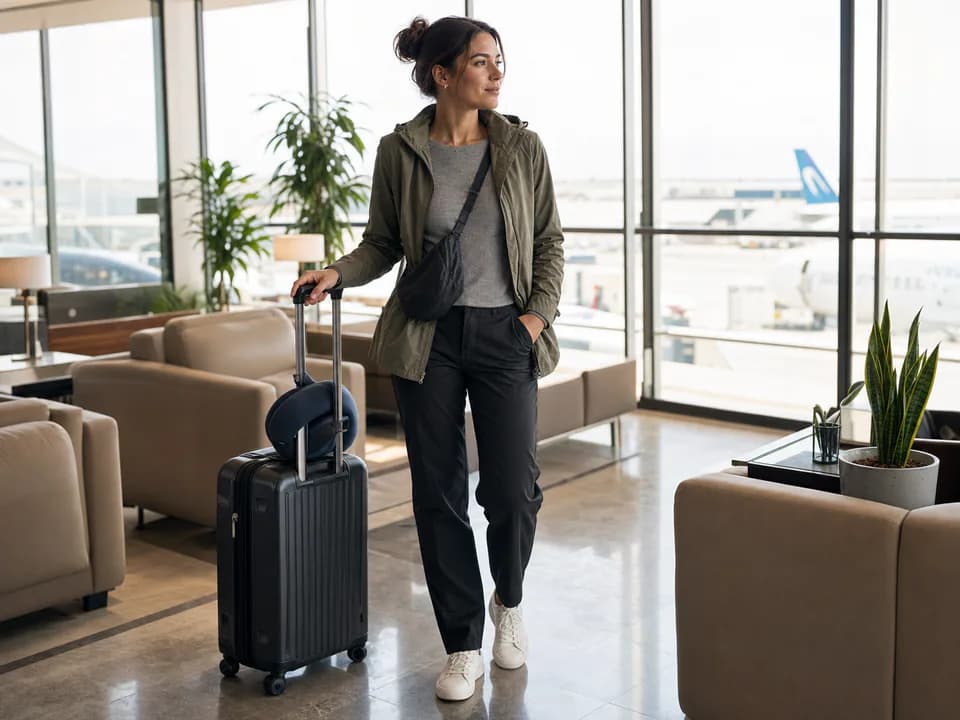
Change [subject] into a travel outfit with [jacket], [bag], and [shoes]. Preserve the location and pose. Make all straps, hems, and shadows physically believable.
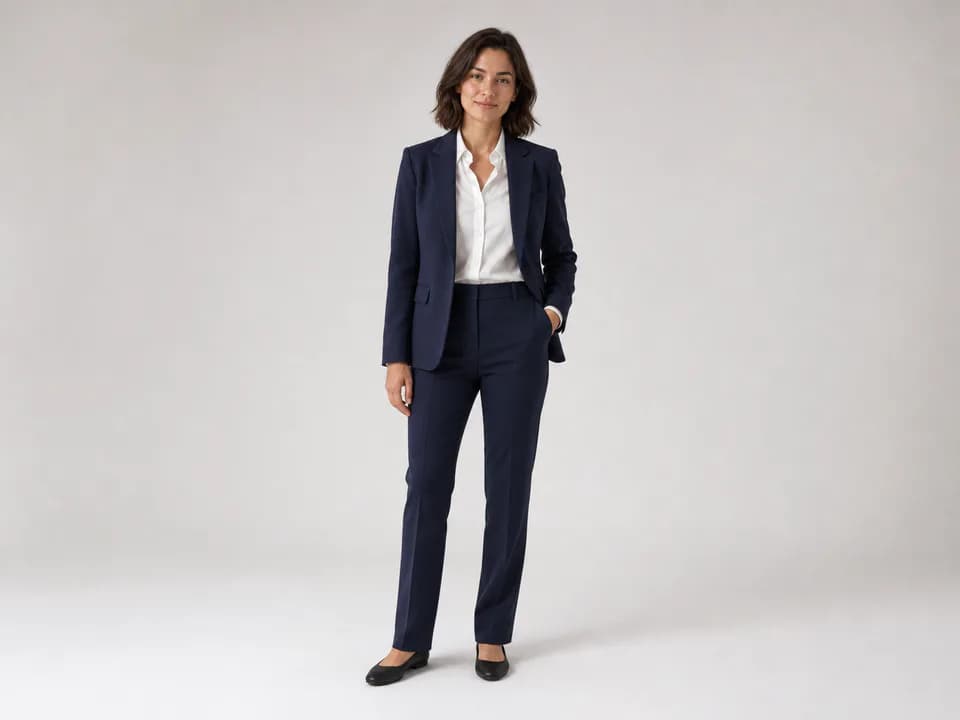
Generate a professional LinkedIn-style outfit edit: navy blazer, white shirt, clean neckline, realistic lapels, subtle studio lighting, same face and expression.
Replace the outfit with gym activewear: [top], [shorts or leggings], [shoes]. Keep body proportions realistic and avoid changing muscle shape or face.
Create a product catalog outfit edit of [subject] wearing [garment]. Use clean full-body framing, neutral background, realistic fabric thickness, and accurate garment fit.
Change [subject] into a wedding guest outfit with [style], soft formal fabric, elegant accessories, and natural lighting. Keep identity and pose unchanged.
Generate a high-fashion editorial outfit for [subject]: [outfit details], dramatic but realistic styling, controlled shadows, and polished magazine look.
Replace only the upper clothing of [subject] with [top]. Keep pants, shoes, face, hands, background, and lighting unchanged.
Replace only the jacket of [subject] with [jacket type]. Preserve shirt, pants, face, pose, camera angle, and environmental reflections.
Create a flat-lay plus model edit showing [subject] wearing [outfit] with matching accessories arranged beside them, realistic product photography, and consistent color palette.